NETWORK SWITCH
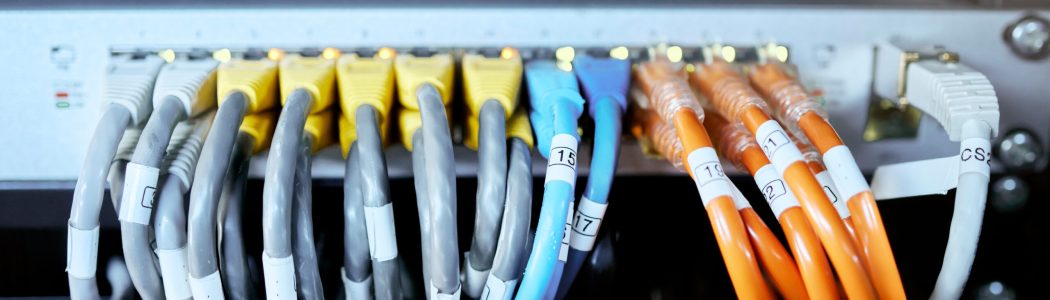
PoE Network Switches: The Backbone of IP Surveillance
In a modern IP camera setup, a Network Switch (specifically a PoE Switch) acts as the central connecting point. It allows multiple cameras to communicate with the NVR (Network Video Recorder) and provides the electrical power they need to operate.
Key Features
Power over Ethernet (PoE): The most critical feature for CCTV. It sends both data and power through a single Cat6 cable, eliminating the need for power outlets at every camera location.
PoE Standards:
Standard PoE (802.3af): Provides up to 15.4W per port—sufficient for most standard dome and bullet cameras.
PoE+ (802.3at): Provides up to 30W per port—required for high-resolution cameras or those with powerful night vision.
Hi-PoE / PoE++ (802.3bt): Provides up to 60W–90W—necessary for heavy-duty PTZ cameras with heaters/blowers.
Uplink Ports: Dedicated high-speed ports (often Gigabit) used to connect the switch to the NVR or the main internet router without taking up a camera port.
Power Budget: The total amount of power the switch can provide across all ports simultaneously. (e.g., An 8-port switch with a 120W budget can provide 15W to all 8 ports at once).
Extend Mode (Long Range): Many CCTV-specific switches feature an "Extend" toggle that allows you to run a camera up to 250 meters away (at reduced 10Mbps speed), bypassing the standard 100m Ethernet limit.
Managed vs. Unmanaged Switches
| Feature | Unmanaged Switch | Managed Switch |
| Setup | Plug-and-Play (Zero config) | Manual configuration required |
| Control | None | Full control over every port |
| Security | Basic | High (VLANs, Access Control) |
| Usage | Homes & Small Offices | Enterprises & High-Security Sites |
| Cost | Budget-friendly | Premium |
Why It’s Essential for Your Setup
Cleaner Installation: One cable per camera instead of two (power + data).
Centralized Power: You can plug the switch into a single UPS (Backup Power) to ensure all cameras stay online during a power cut.
Easy Maintenance: If a camera hangs, you can simply power-cycle its specific port from the switch to reboot it remotely.
Scalability: Use a 16 or 24-port switch to easily add more cameras as your business or home grows.
Ideal Applications
IP Camera Networks: To bridge the gap between cameras and the NVR.
VoIP Phone Systems: Providing power and data to desk phones in an office.
Wireless Access Points: Powering Wi-Fi routers mounted on ceilings.
IoT Devices: Connecting smart sensors and controllers in a factory or home.